
Today, I'm vibe-coding my first app
This article was written in French and translated automatically by an LLM. Lire l'original
You have ideas buzzing around in your head, but you’ve never quite pictured yourself building them. Then AI showed up, and now you keep hearing, at the coffee machine or on LinkedIn, that you can design an app or a website from scratch with no technical background. The only question left is how to take the leap… Here’s the guide.
All-in-one online tools
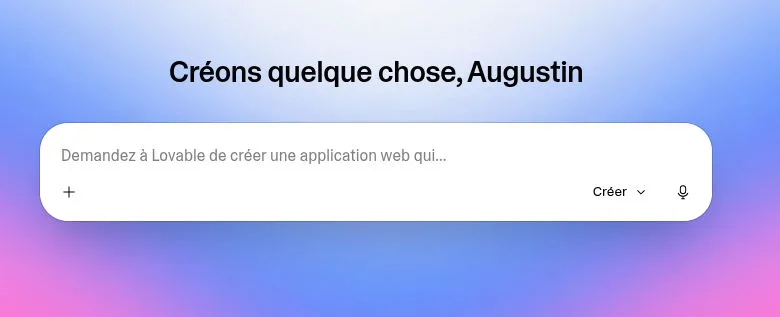
There’s a wide range of turnkey tools out there today, and they’re really the best option to get started with zero technical knowledge. Among the best known, Lovable and Replit come to mind. Go take a look, you’ll have your new project up and running faster than you’d think (probably before you finish reading this article).
You’ll find:
- site templates and design suggestions
- standard features like user accounts and a database
- and of course the now-classic chat box to talk to the AI
Software to install on your machine
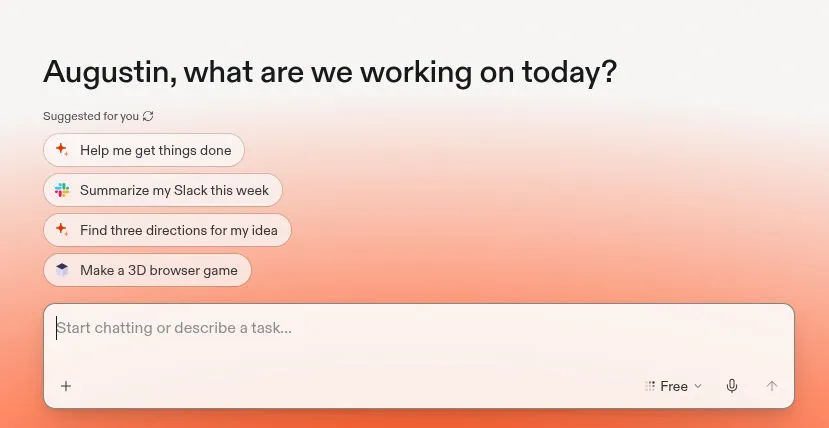
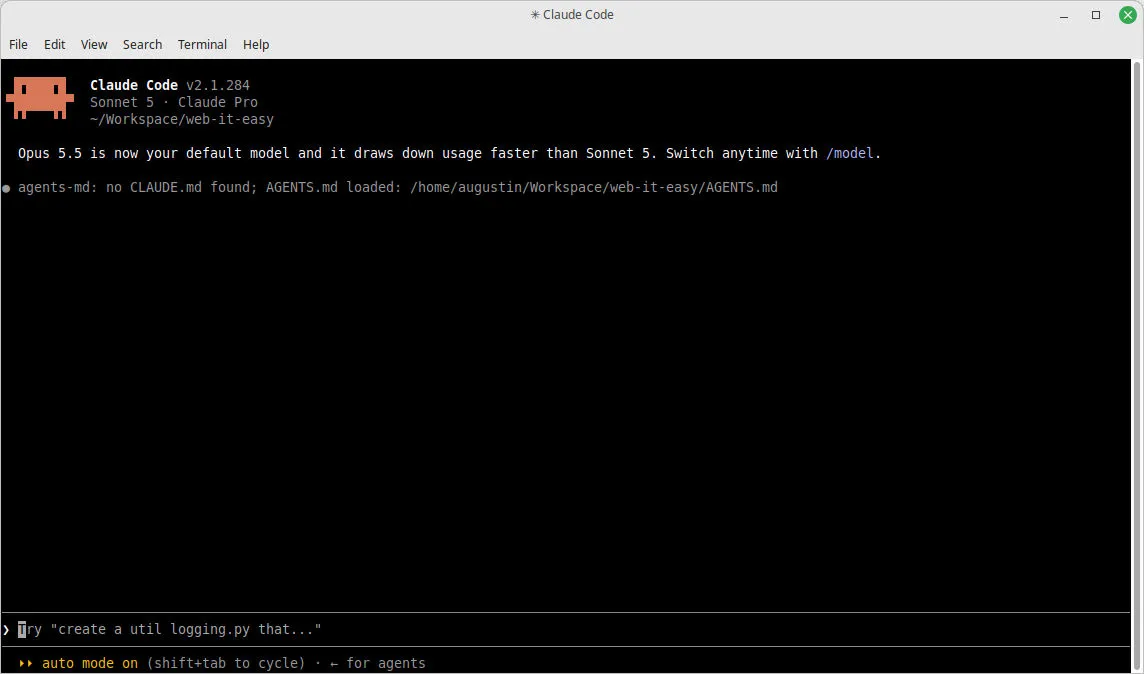
A perfectly viable alternative, though it takes a bit more know-how, is coding assistants like Claude Code, Codex or Copilot.
Here, you install the developer’s own tools directly on your machine. You get less hand-holding, but you keep more control.
And if you’re worried you’ll get lost, remember: the AI is never far away, it’s right there to help you through that kind of difficulty (and it’s very good at it.)
Example prompts:
- I want to build a tool that syncs my calendar with my website, where should I start?
- I get the error message “XXX” when I type “YYY”, what should I do?
- I want to publish my app online, how do I do that?
- I don’t have an idea, can you suggest something?
Sure, all these steps will probably take you a bit more time, but you’ll learn a huge amount along the way, and you’ll gain more mastery as you go.
A few essential extra tools
You don’t become a developer overnight, and a few tools quickly become unavoidable, so let’s introduce them now to widen your knowledge:
- a code editor: even the most basic text editor works, but it’s strongly recommended to use one with a rich set of built-in features, and today’s reference is VS Code (free and open-source).
- a terminal: even though this black window tends to be intimidating, it’s unavoidable for coding, especially for using Claude Code.
- git: the ultimate reference for saving your code, since it stores every change (a commit), letting you navigate the code’s history all the way back to the start (free and open-source).
- GitHub: the Google Drive/Dropbox for your code saved with git, of course.
What comes next
Rome wasn’t built in a day. Even with very precise expectations and prompts, getting a working prototype will almost certainly take a number of back-and-forths with the AI. Patience is your ally, and so is organization, since you’ll quickly feel like starting another task while the first one runs (should you? We’ll get to that later.)
Either way, as we’ll see later in this article, it’s important to give your AI a solid harness so it produces quality results, and even so, vibe-coding has limits you should be aware of.
But we’ll talk about that when you get there! In the meantime, will you share the URL of your freshly vibe-coded app with me?